Hi, welcome to Arisphere
I build tools that I find useful
About Me

I build the tools I wish I had
I'm Ari, and Arisphere is where my side projects live. Most of them start with a small problem at home: keeping track of every pot on the stove, listening for a sleeping baby, or finding a fresh walk to finish my 10,000 steps.
I make iOS apps with SwiftUI and React Native, free web tools that run right in your browser, and learning games for kids in Icelandic. I keep them simple and private: no sign-up, no subscription and no cloud where it isn't needed.
Featured Projects
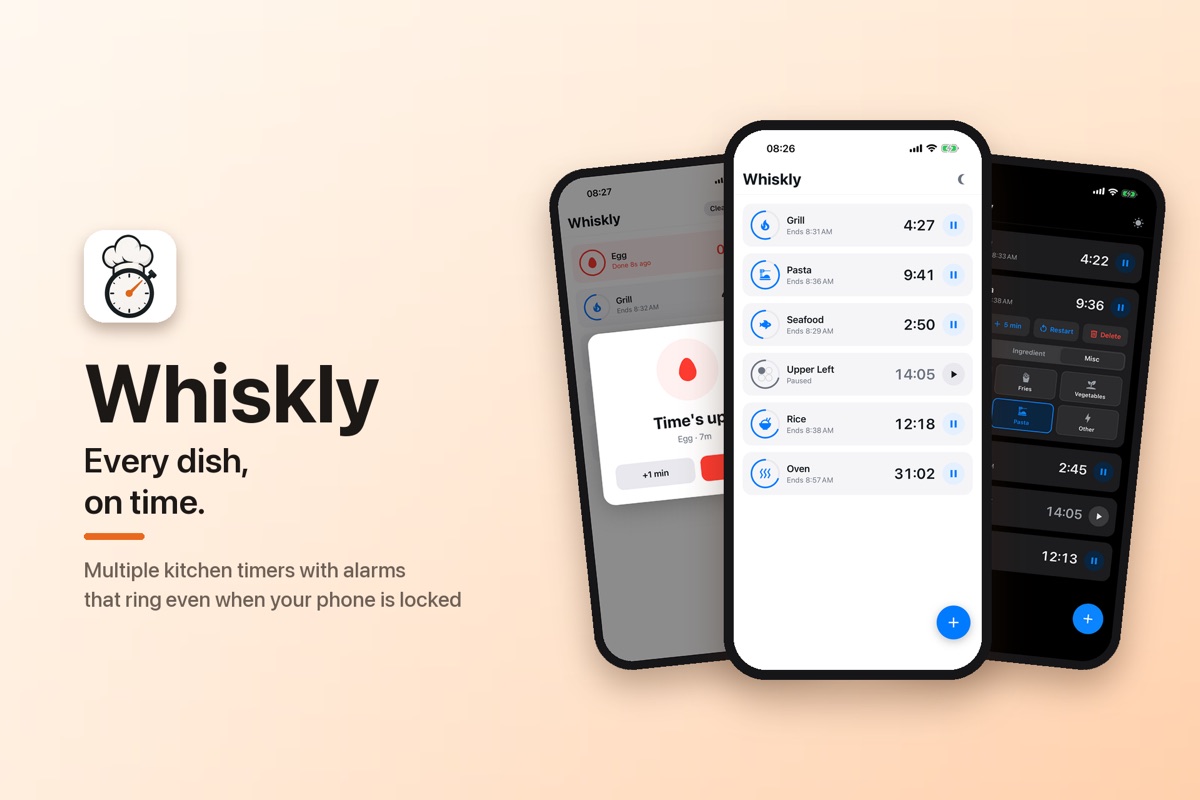
Whiskly
v1.3.0 coming soonKitchen timers & sauce recipes
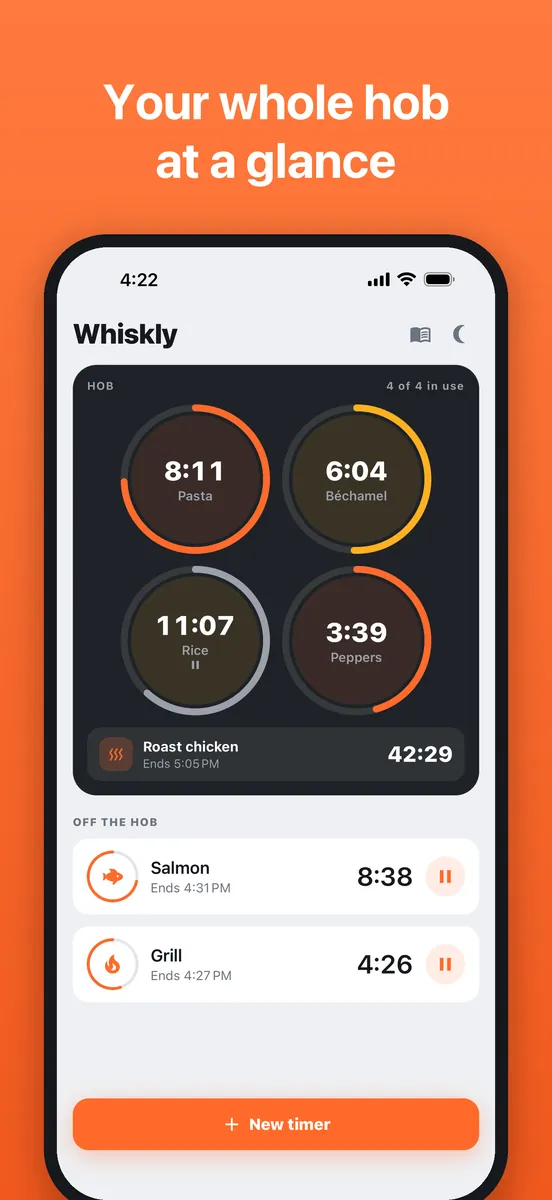
Your stove, on screen: every burner shows its own flame-ring timer. New in 1.3: scale any recipe up or down, and twelve recipes in every cuisine.
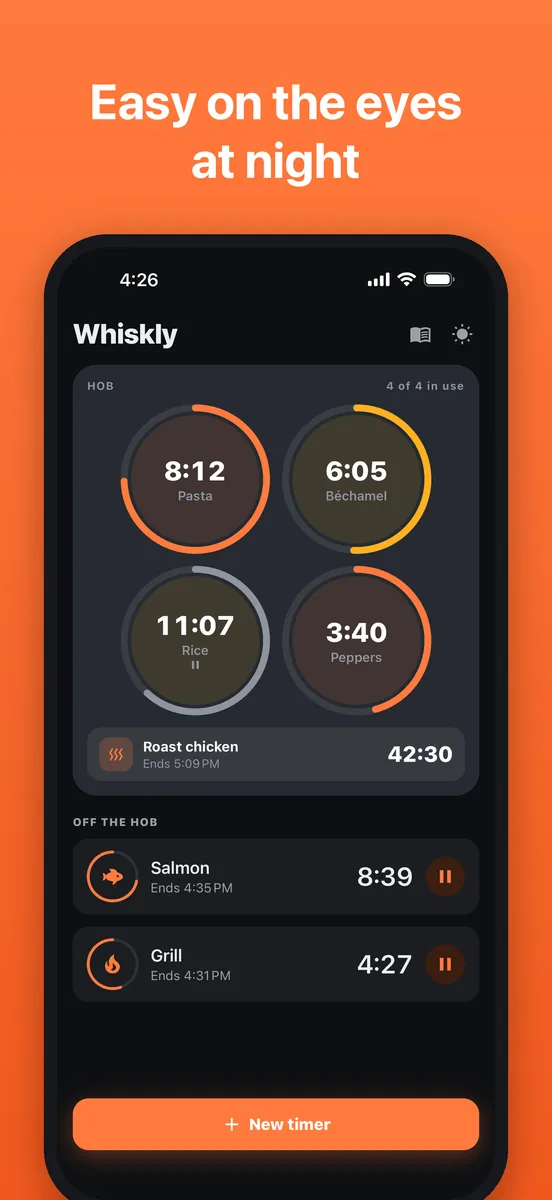
- The home screen is a picture of your hob: four burners and the oven
- Each burner shows its timer as a flame ring that burns down
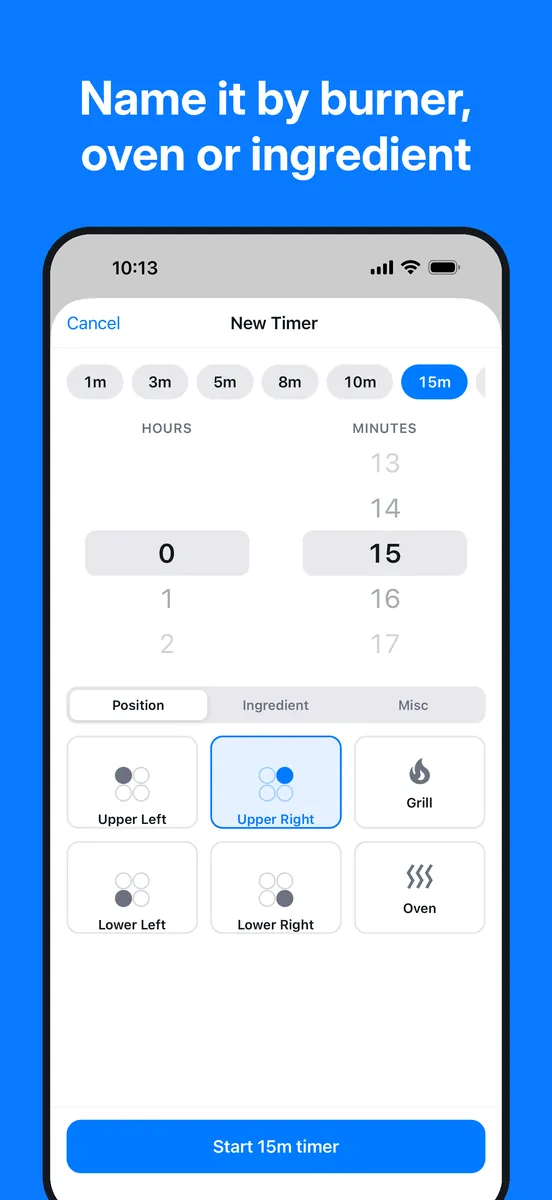
- Tap an empty burner to start a timer there; tap a running one to pause it
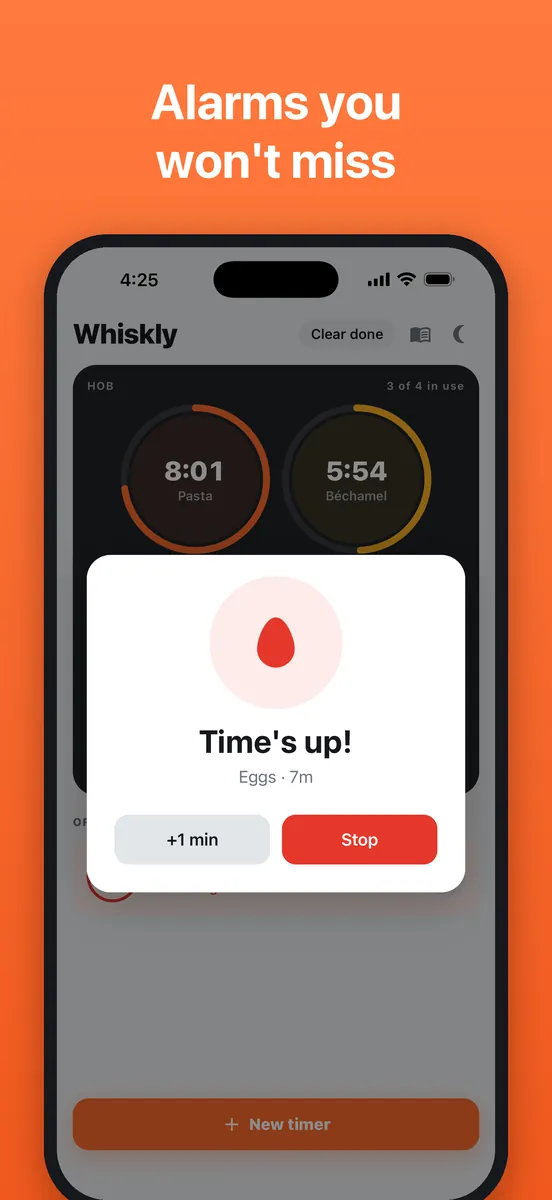
- Loud alarm and notifications, even when your phone is locked
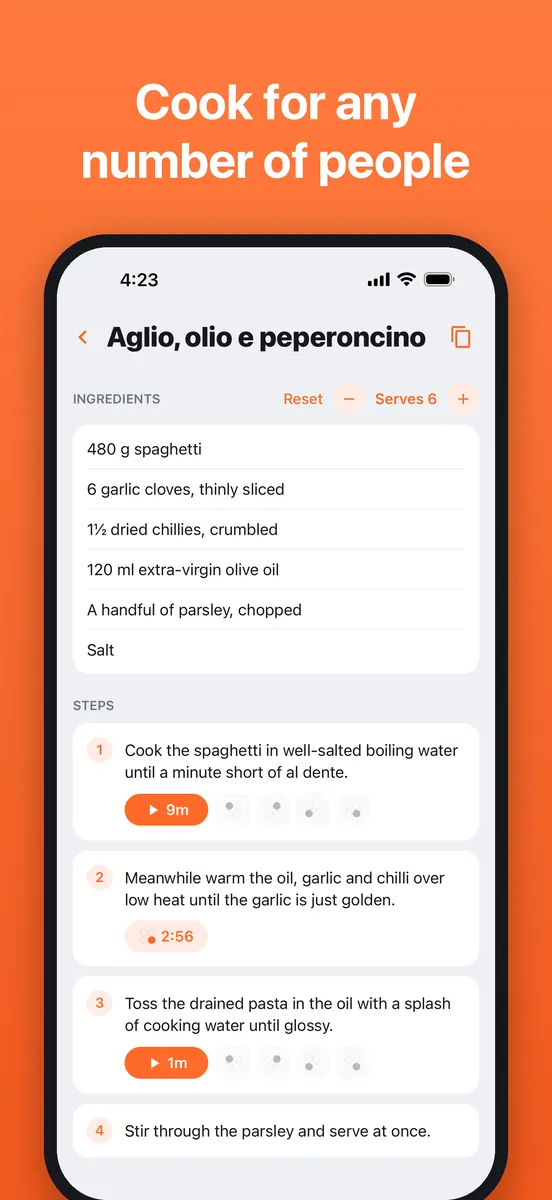
- The + and − buttons scale every ingredient, one serving at a time
- Paste a recipe from anywhere and Whiskly finds the cooking times in each step for you
- No account, no ads, no tracking
What's new in 1.3
A new look: your stove, on screen
- The home screen is now a picture of your hob. Each burner and the oven shows its timer as a flame ring that burns down
- Tap an empty burner to start a timer right there. Tap a running one to pause it, or hold it for +1 min, +5 min, restart or clear
- Timers that aren't on a burner, like the grill or a second pot, are listed under the hob
- A fresh flame-orange look throughout, in light and dark mode
Cook for any number of people
- New + and − buttons next to the ingredients scale every amount, one serving at a time
- Amounts read the way a cook writes them: 1⅞ tbsp, 2 onions, 1.2 kg
Recipes, restyled
- Tap a step's time and its timer goes straight onto a free burner, or pick the burner yourself
- A new look for the recipe screens, with your cuisines up front
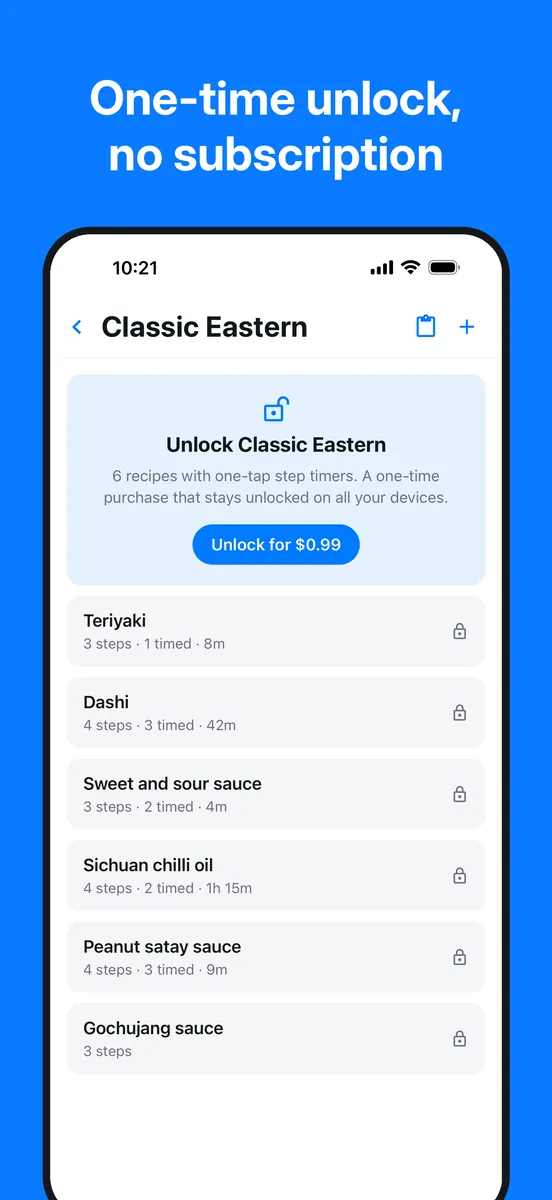
- Every cuisine now has twelve recipes instead of six, with one-tap step timers
Recipes
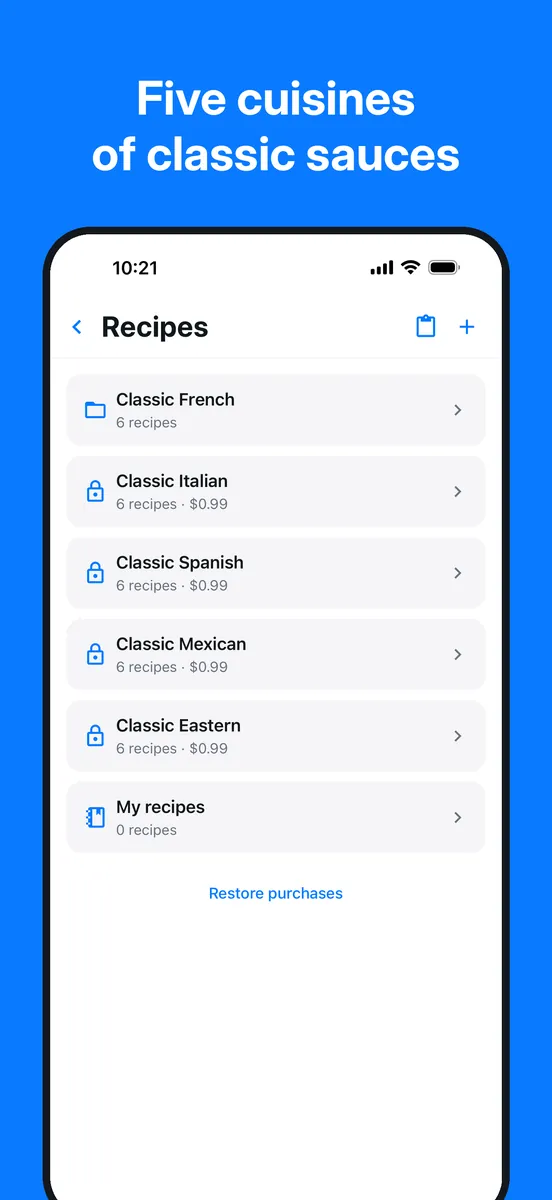
- Classic French Free
- Classic Italian One-time purchase
- Classic Spanish Coming soon
- Classic Mexican Coming soon
- Classic Eastern Coming soon
Classic French is included free. Each other collection is a one-time purchase that unlocks its twelve recipes for good, with no subscription. Your own recipes are always free.

Baby Monitor Direct
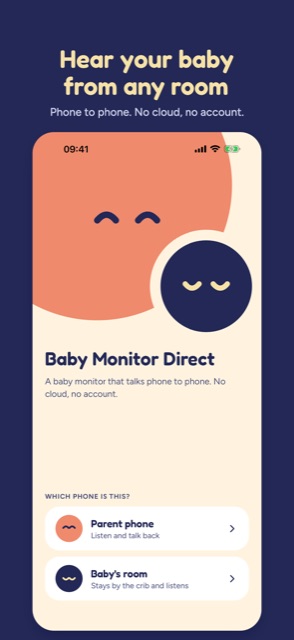
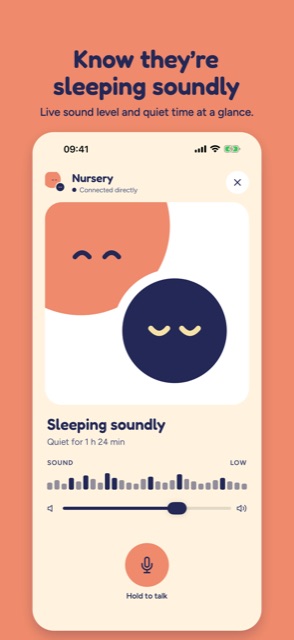
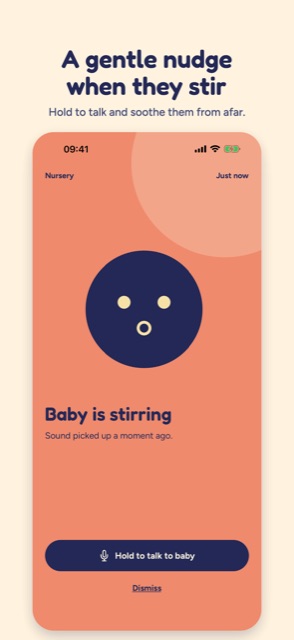
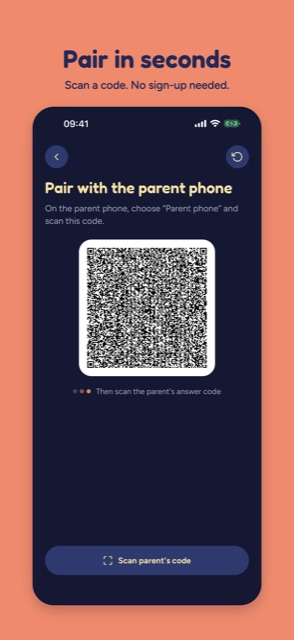
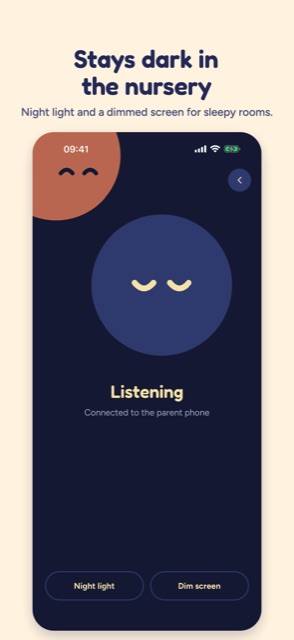
NewTurns two phones into a simple, private baby monitor. Pair them by scanning a QR code and sound travels straight from the nursery to you: no account, no subscription, no cloud recordings.
- Live sound level and how long the room has been quiet
- A gentle alert and vibration when your baby stirs
- Hold to talk back, and a dark nursery screen with a soft night light
just10k
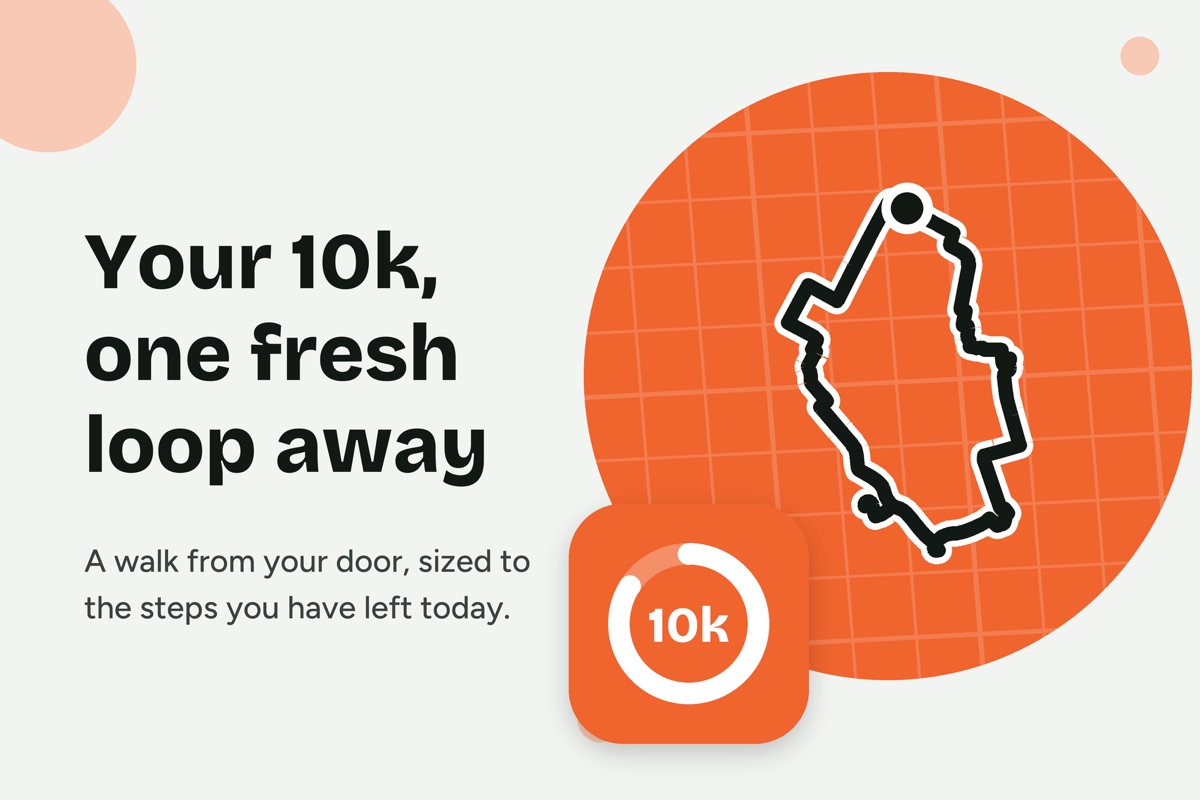
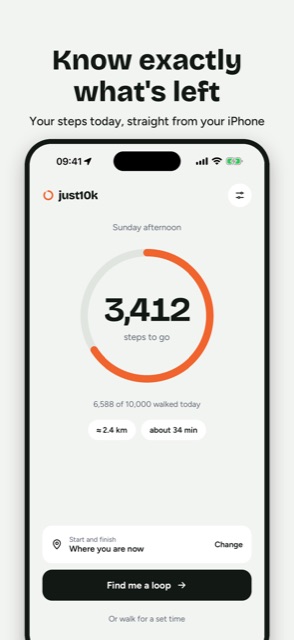
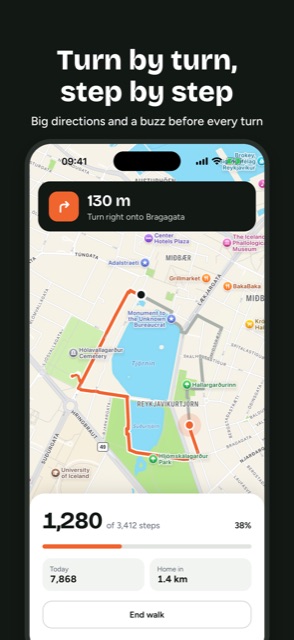
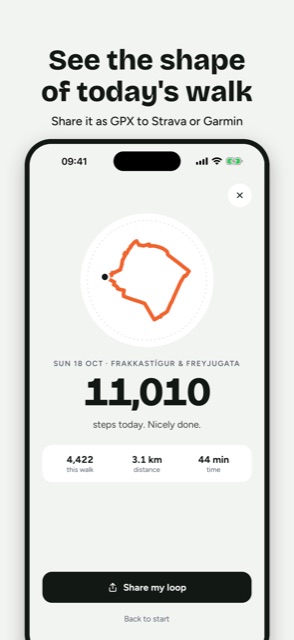
In DevelopmentGet your 10,000 steps without walking the same loop again. just10k reads how many steps you have left today and plans a fresh walking loop from where you are, sized to finish your goal.
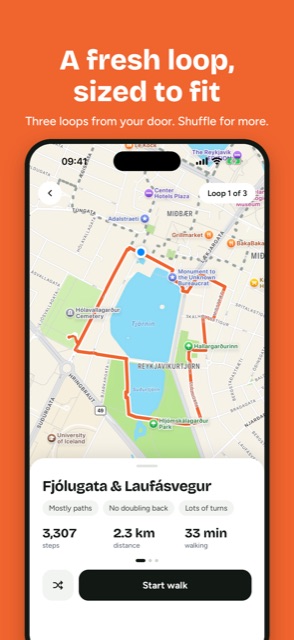
- Three loop options plus Shuffle, each within about 5% of your target
- Turn-by-turn walk mode with a live step count and re-planning if you go off route
- Open the loop in Google Maps or export it as GPX

Playmore
In DevelopmentSwipe to trade board games. Scan a game's barcode, snap photos to show it's complete, then swipe through other people's shelves. When you want one of their games and they want one of yours, you cross swords and chat to arrange the swap.
- Barcode scanning that finds the game, box art and details automatically
- Photos of each copy so you know it's complete before you trade
- Mutual matches and built-in chat to set up the swap